Tools
The Tools page provides access to all utility features for managing your database, files, and templates.
Access
Navigate: Tools (in the sidebar navigation)
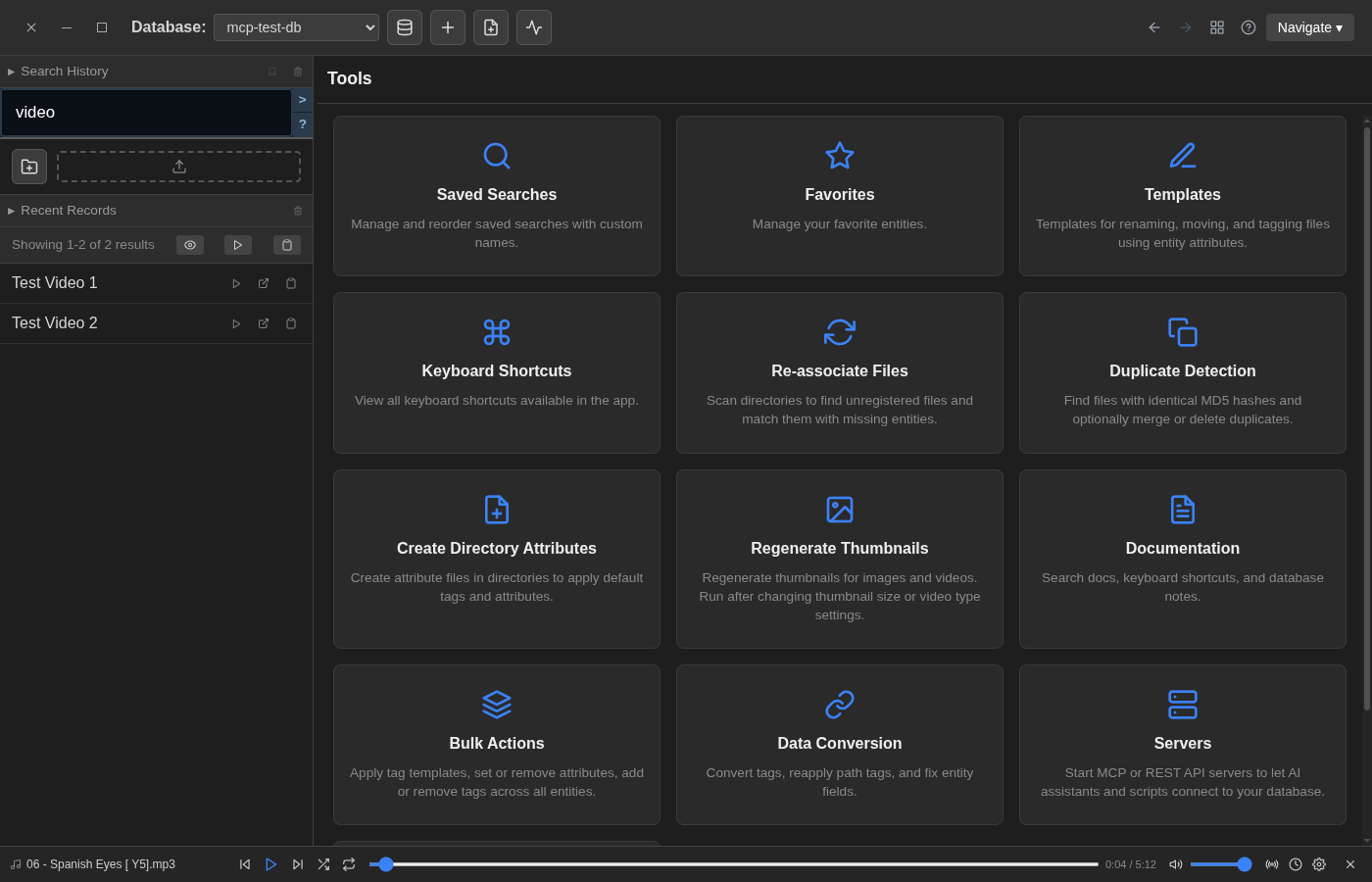
Available Tools
Search & Organization
- Saved Searches — Manage and reorder saved searches with custom names
- Favorites — Manage your favorited entities
Templates
- Templates — Templates for renaming, moving, and tagging files using entity attributes
- Name Templates — Batch rename files
- Path Templates — Organize files into directory structures
- Tag Templates — Apply tags in bulk
- Attribute Templates — Define custom attribute fields
File Management
- Re-associate Files — Scan directories to find unregistered files and match them with missing entities
- Regenerate Thumbnails — Regenerate thumbnails for images and videos
- Create Directory Attributes — Create attribute files in directories to apply default tags and attributes
Data Quality
- Duplicate Detection — Find files with identical MD5 hashes and optionally merge or delete duplicates
- Bulk Actions — Apply tag templates, set or remove attributes, add or remove tags across all entities
- Data Conversion — Convert tags, reapply path tags, and fix entity fields
Information
- Keyboard Shortcuts — View all keyboard shortcuts available in the app
- Documentation — Search docs, keyboard shortcuts, and database notes
- History — View recently edited entities and recent notifications
Integration
- Servers — Start MCP or REST API servers to let AI assistants and scripts connect to your database